Try a sample device
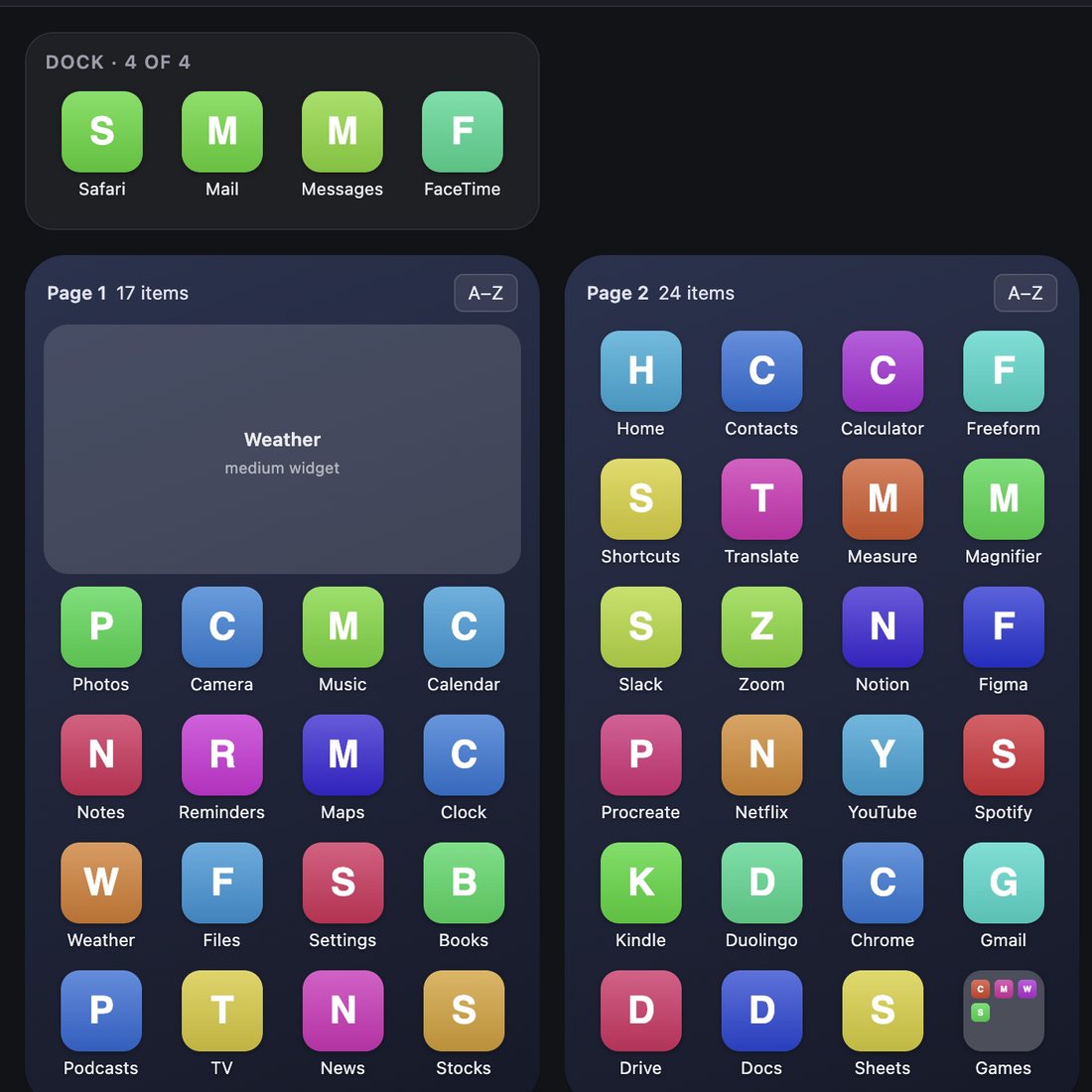
You can try everything in Arrange without plugging in a device.
- Open Arrange.
- On the Plug in your iPhone or iPad screen, click Try it with a sample device.
- Pick the sample iPad or the sample iPhone.
The sample works like a real device: drag apps, make folders, sort, organize, and undo. It's free, and you don't need a key.
When you're ready to work on your own device, click Use my real device in the header. If you changed the sample, Arrange asks first, since those changes will be lost.