Arrange documentation
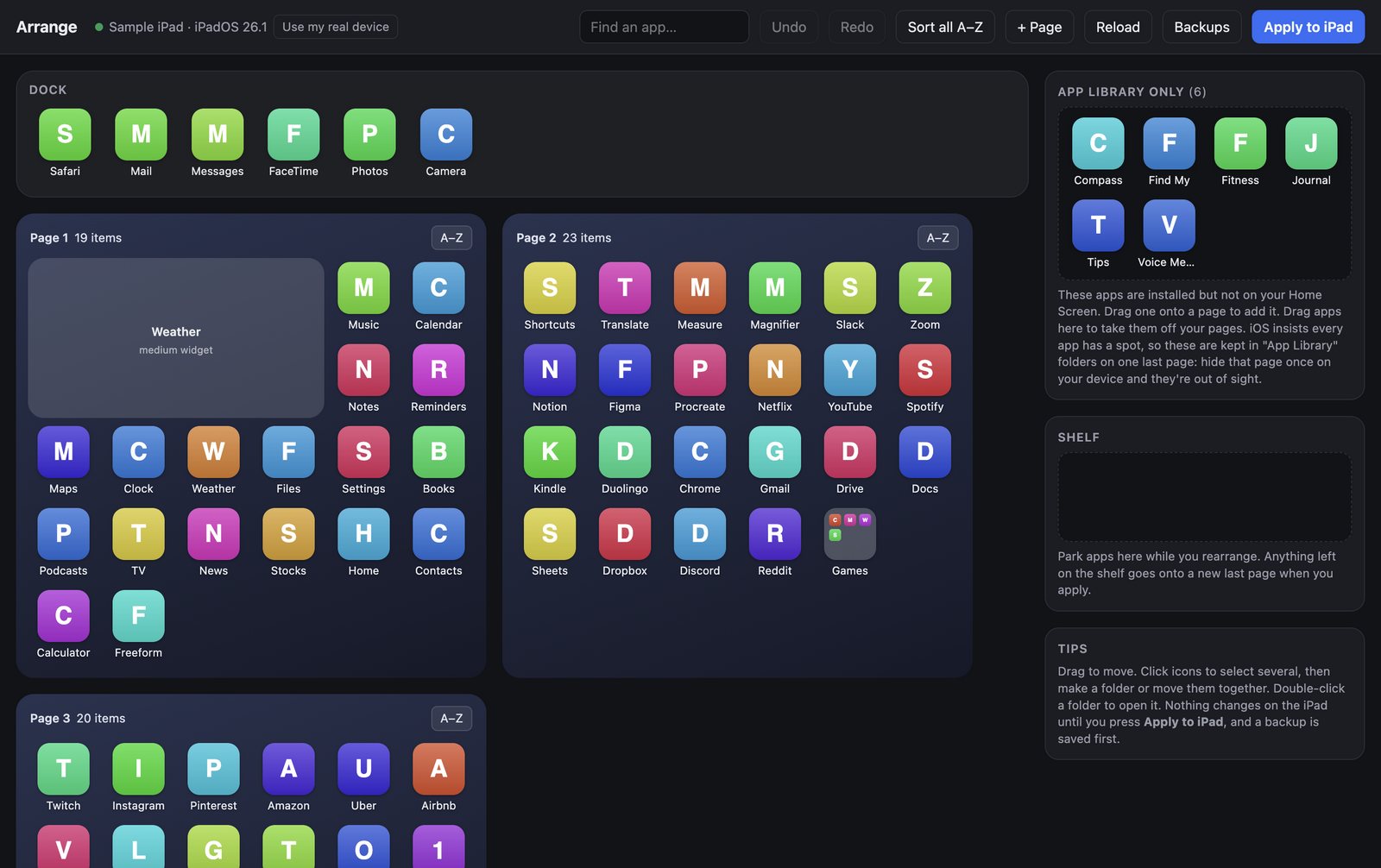
Arrange is a Mac app that lays out your iPhone or iPad Home Screen from your computer. Plug your device in with a cable, move apps around with your mouse and keyboard, and press Apply when it looks right.
Rearranging is free. You pay $4.99 once, only when you apply a layout to your own device, and one key covers every iPhone and iPad you use with that Mac. There's no subscription and no account.
Arrange needs macOS 12 Monterey or later.
Download Arrange for Mac Read the quick start
Start here
-
Download the app, drag it to Applications, and open it.
-
Plug in your iPhone or iPad and trust your Mac the first time.
-
Move apps, make folders, and apply the result in a few minutes.
-
Look around with a sample iPad or iPhone, no cable needed.
What you can do
- Move apps in batches: select a dozen apps and send them to a page, the Dock, a folder, or the Shelf.
- Build folders in one step: select apps, click Make folder, name it.
- Sort A–Z: alphabetize a folder, a page, or everything at once.
- Organize by category: group apps into pages or folders by App Store category, or with an AI you choose.
- Declutter without deleting: take apps off your pages. They stay installed in the App Library.
- Undo, then apply: nothing on your device changes until you press Apply, and a backup is saved first.
Need help?
Start with Troubleshooting or the FAQ. If you're still stuck, report a problem from inside the app.